App Store Screenshots
in Minutes
The online App Store screenshot generator for iOS and Google Play. Upload your screenshots, let AI write marketing copy, translate to 30+ languages, and export App Store Connect–ready assets. No design skills needed.
Editor is free. Pay $39 once to export — no subscription, no sign-up.
Three steps. That's it.
Upload your iOS or Android screenshots
Drop in your raw app screenshots and logo. Supports PNG and JPG, iPhone, iPad, Pixel, and Pixel Tablet sizes.
Customize layout and copy
Pick from App Store screenshot templates, swap colors and fonts, or let AI generate marketing copy from what's on screen.
Export App Store Connect–ready assets
Download every screen in every language as a single zip, organized by language and ready for App Store Connect or Google Play Console.
Examples of what you can generate
Real output from Appshots Studio. These screenshots are live on the App Store right now.
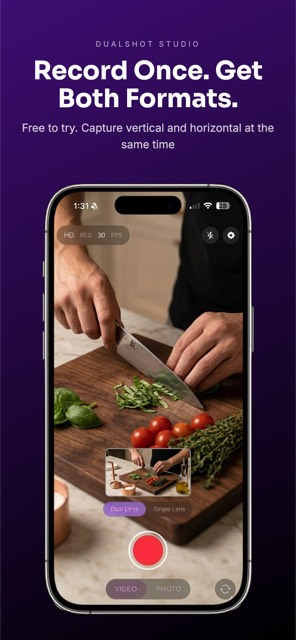
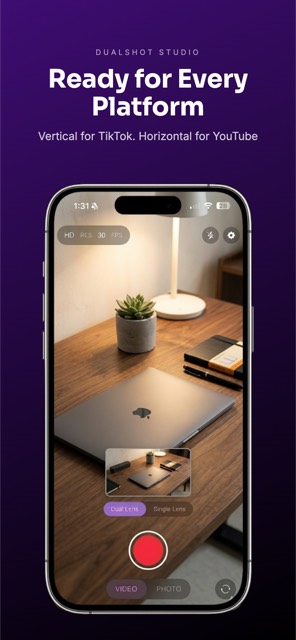
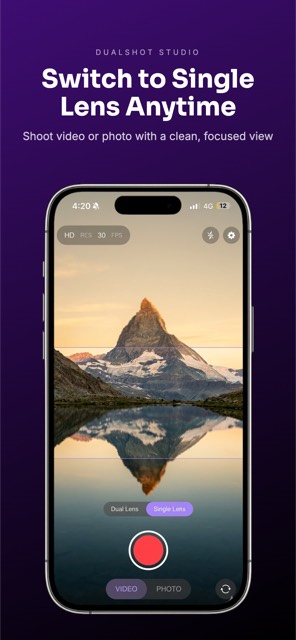
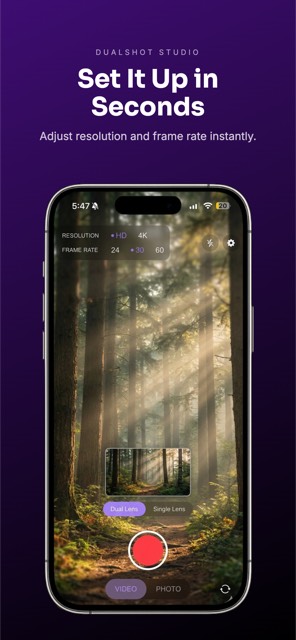
Everything you need to ship App Store screenshots
A complete iOS and Google Play screenshot generator — from raw screenshots to polished, localized App Store assets in a single workflow.
AI App Store Marketing Copy
Upload a screenshot and get headline + subheadline generated instantly from what's on screen — no copywriter needed.
Localized Screenshots in 30+ Languages
One-click translation to every App Store and Google Play language. Export separate, fully localized screenshot sets per language.
iPhone, iPad & Pixel Device Frames
Real iOS and Android mockups in every required App Store and Google Play size, with text-top, mockup-top, or full-device layouts.
One-Click App Store Connect Export
Export every screen in every language as a ready-to-upload zip, organized by language folder for App Store Connect and Google Play Console.
Your data stays on your device
All your screenshots, projects, and settings are stored locally in your browser. Nothing is uploaded to our servers. No account needed, no cloud storage, no tracking of your content.
Local Storage
Everything saved in your browser
No Account
Start using it instantly
No Uploads
Your screenshots never leave your device
One price. Lifetime access.
The editor is free to try. Pay once to unlock unlimited App Store screenshot exports — no subscription, no renewal.
- ✓Unlimited App Store screenshot exports
- ✓iOS (iPhone / iPad) + Google Play (Pixel) frames
- ✓AI marketing copy + 30+ language translations
- ✓Use on up to 3 devices
- ✓All future updates included
Pay only when you're ready to export. No credit card to start.
Ready to ship your App Store screenshots?
Open the editor, try it on your screenshots, and pay only when you're ready to export.